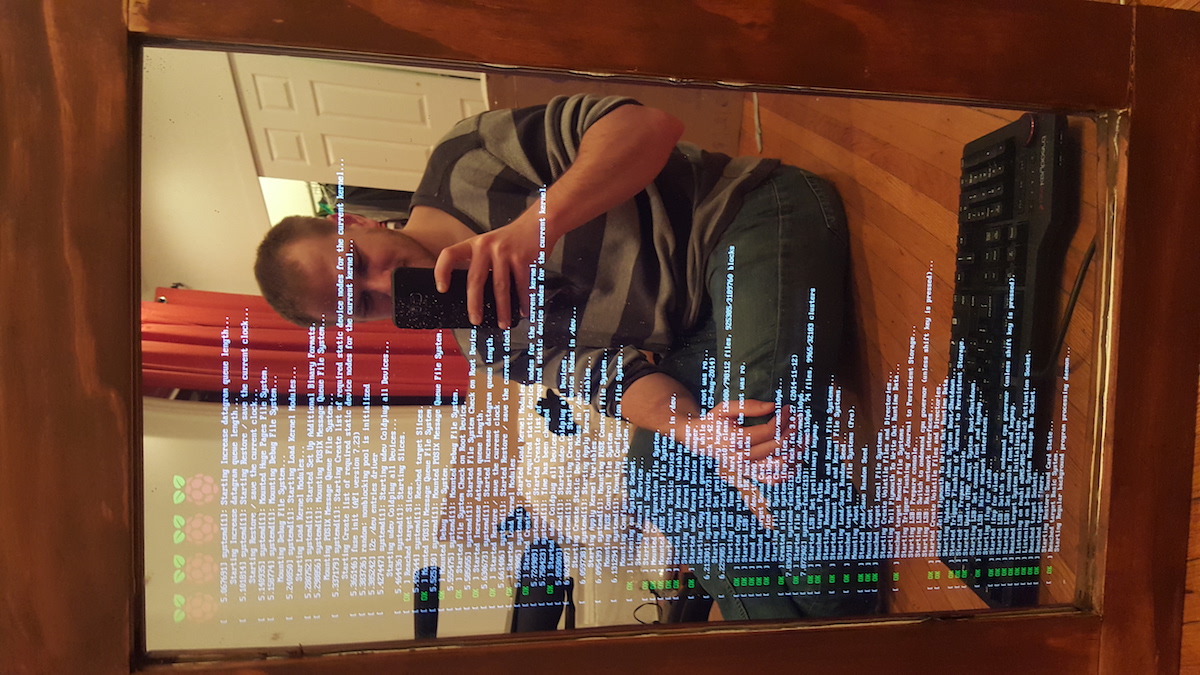
This is cool and I've already got a couple of ideas that steal from it. I have one question though. Why would an obviously technically capable person have photos displayed in the wrong orientation on the web page?
Does anyone know if this setup in combination with a camera would work to create a real time color overlay over the mirror image? Or is just white text readable due to the way the light shines through the mirror?
I could imagine lots of useful or entertaining use cases for such a mirror...
Reading your question closely, I think what you're asking is "Can the reflection feature Augmented Reality?" (that's why you mention a camera and real-timeness)
In which case I believe the answer is no, we can't currently do AR in a reflection. In order to match the viewer's perspective, you'd have to either use eye tracking (kind of a poor solution for something as shareable as a mirror); or use a multiscopic display, a technology that doesn't currently exist at any acceptable resolution.
It might be possible to implement a limited sort of AR where the mirror's added content is on a plane at a fixed distance by a trick of lenses. But if you or any object sits between the virtual plane and the mirror, there wouldn't be any occlusion, so it would somewhat break the illusion.
Oooooooh... just thought of something that would be cool, would be if the mirror could detect who is in front of it... say as a bathroom mirror, and display the calendar of the person there... minimal facial recognition, wouldn't be too hard to do.
Well, a "static multiscopic display" is essentially an old-school hologram, we've had those for a while. Their website doesn't appear to mention any real multiscopic display yet.
I'd be curious to know the number of viewing angles and axes of the experimental display you mention. 1080p is only half the information: if it has the angular resolution of a Nintendo 3DS, it would very much fall out of the acceptable zone, especially if your goal is to superimpose any sort of AR on a mirror.
I made one for a christmas present this year. High contrast colors show up great. If colors are close to each other it becomes hard to tell them apart, but you can still see color. Dark colors are hard to see against a black background for the same reason.
I just want to give a +1 to the high contrast colors. I have a few colors on mine (green & red arrows for stock quote directions) and they come out great.
I'm not a graphics/projection expert, but you might be able to boost the brightness for more visibility by adjusting the color profile of the monitor or maybe by adjusting the color output of the pi. I think ultimately it depends on the ambient light in the room and the brightness of your monitor. The brightest possible monitor would be ideal to offset the effect of the mirror.
I also had a go at this recently, I wrote a backend in node that supported 'data plugins' that can generate events, which are then published to an angular app.
I targeted a mobile device behind a mirror, so I included functionality that made the front-end refresh the page (and possibly load new front-end code) upon a special message from the backend.
That way, I didn't have to connect the device for every update.
I never quite finished any useful data plugins except for the weather, but if anyone's interested the code is here:
I know this has been done a dozen times and shown on the Internet, this particular inception seems particularly cool. Maybe it's because the pictures are so clear, or that I recently got a Pi2 to play around with, but it makes me really want to do this project. :)
If the author of this page turns up can I suggest one thing - image optimisation. You could save a chunk of bandwidth cost for yourself and others browsing on metered services, and improve your page load times by not having ~seventeen 3-5 MB (~5300x3000px ) images being loaded, especially when none of the 720x146 px images can be clicked to show a larger version.
This page is 72MB big and took 100 seconds to load, even on a non-congested 8MB DSL service.
I've got an extra Kinect laying around that would be cool to tie into one of these mirror builds.
Has anyone had any success hooking a Kinect up to a Raspberry Pi? I've seen threads that discuss a few libraries that are available for depth and image data, but I don't recall ever seeing anyone successfully use a Kinect "controller" (gestures to move a pointer).
It looks like most of these magic mirrors have been done with an old android whereas this one uses a monitor and a rasberry pi. If I wanted to make one, which one should I choose. What are the pros and cons of this approach?